Dash Cam Review · Updated October 2026
RoadVision Dash Cam Review: What It Records, What It Doesn't, and Who Should Skip It
A compact, suction-mount dash cam sold online with a big discount banner. We went through the features, the fine print, and the questions most buyers forget to ask.
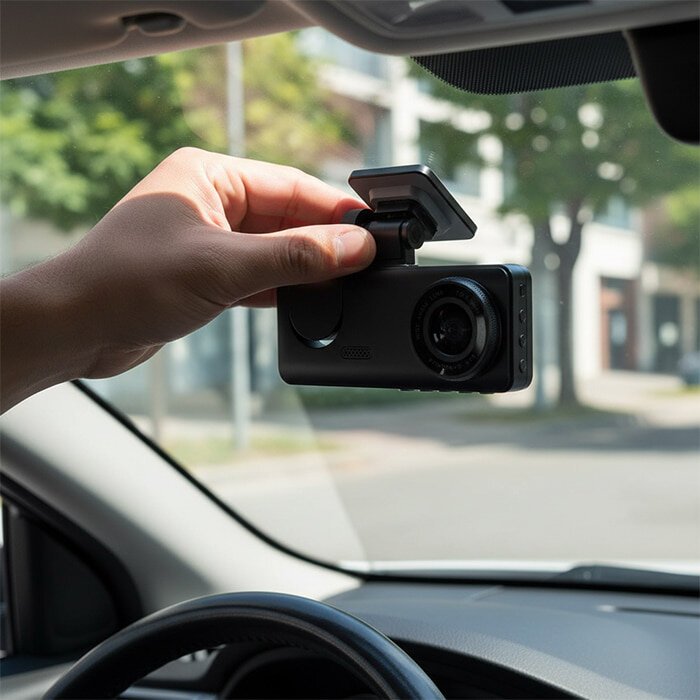
The short version
- What it is: a small single-lens dash cam with a 170° wide-angle lens, built-in LCD screen, G-sensor and a motion-triggered parking mode.
- What it's good at: simple setup and protecting the clip of an impact so it isn't overwritten.
- What to check first: how parking mode is powered in your car, the return conditions, and the current price for the package you want.
- Also sold as: some of the product's own materials call it the DashOne Pro. Same camera, different label.
Most drivers never think about a dash cam until the day it would have mattered. A car drifts into your lane, there's a scrape, and within a minute the other driver's story is different from yours. No witnesses stopped. It's your word against theirs, and now an adjuster has to decide who pays.

That moment is the entire reason dash cams exist. Not cinematic road-trip footage. A plain, time-stamped record of what happened in front of your car. RoadVision is built for exactly that job, and it's sold the way a lot of online-only gadgets are sold: bold banners, steep discounts and a countdown timer at checkout.
So we set the marketing aside and looked at the question that matters: does it do the job, and what should you know before ordering?
How a dash cam actually protects you
Every dash cam does three things in a loop. Understanding them tells you which features matter and which are just decoration.
Step two is the one that matters most and the one buyers overlook. A camera that records perfectly but overwrites the crash clip twenty minutes later is useless. RoadVision includes a built-in G-sensor for this event lock, which is the feature we'd consider non-negotiable in any dash cam.
A dash cam isn't really a camera purchase. It's a decision about who gets to tell the story after a collision.
What RoadVision brings to the windshield
A 170° wide-angle lens
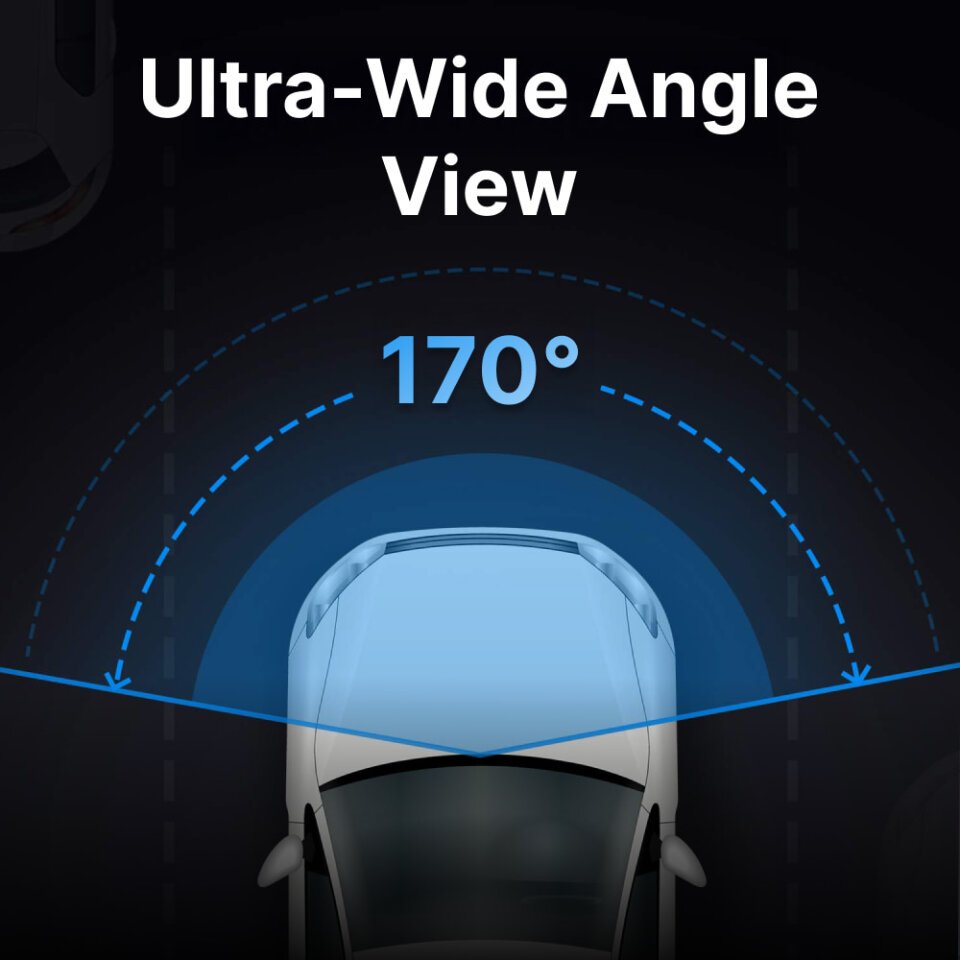
A wide field of view captures adjacent lanes, not just the car directly ahead. That matters for side-swipes, lane-change disputes and cars pulling out of driveways. The trade-off with any very wide lens is some fisheye distortion at the edges and smaller detail at distance. Fine for documenting what happened; less ideal for reading a plate three cars ahead.
Built-in LCD screen
You can review footage on the camera itself, right at the scene, without a phone app or a laptop. When you're standing on a shoulder trying to show an officer what happened, that's genuinely useful.
Night recording
The manufacturer describes improved low-light performance. Night footage from any compact dash cam depends heavily on street lighting and headlight glare, so set expectations accordingly. Lit city streets: useful. Dark rural roads: headlights and shapes, not fine detail.
Parking mode: the one feature to understand before you buy
RoadVision advertises a parking mode that records when it detects motion or an impact while your car is parked. It's one of the most-wanted features for anyone who parks on the street or in busy lots.
Here's the catch that applies to dash cams in general: to record while the engine is off, the camera needs power. In many cars the 12V or USB socket shuts off with the ignition. Many dash cams with parking mode rely on an always-on outlet or a hardwire kit to keep watching. The sales page doesn't spell out how RoadVision handles this, so before you count on parking mode, check whether your car's power socket stays live with the engine off, and ask support what setup they recommend.
→ See RoadVision's full feature list on the official product page
RoadVision vs. the alternatives
You have three realistic paths when buying a dash cam. None is wrong. They suit different buyers.
| RoadVision | Budget marketplace cams | Established camera brands | |
|---|---|---|---|
| Where you buy | Direct from the brand's own site | Large marketplaces | Retail stores and marketplaces |
| Setup | Suction mount, plug-in, 3 steps | Varies widely | Usually adhesive mount; often app pairing |
| On-device screen | Yes, built-in LCD | Often yes | Often screenless (app-based) |
| G-sensor event lock | Yes | Usually yes | Yes |
| Parking mode | Yes (check power needs) | Sometimes | Usually, often via hardwire kit |
| Returns | Brand's own 30-day policy (read conditions) | Marketplace return process | Retailer / manufacturer warranty |
| Best for | Simple plug-and-go protection, multi-car households | Lowest upfront cost | Buyers wanting top image quality and app features |
Comparison by category, based on publicly listed features. Specs vary by model; check each listing before you buy.
Who it's good for, and who should skip it
✓ Good for
- Drivers who want simple, no-tools setup and no phone app to fiddle with
- Anyone worried about a "your word against mine" collision dispute
- Parents who want to review a new driver's trips together
- Households equipping more than one car (multi-unit packages are offered)
- Commuters who want a camera small enough to disappear behind the mirror
✗ Not for
- Anyone who needs a rear camera or a cabin camera; this is a front-facing unit
- Drivers counting on parking mode without checking how it's powered
- Buyers who want app-based Wi-Fi transfers and cloud backup
- People who prefer the return process of a big-box retailer
- Anyone shopping strictly on maximum image resolution
Setting it up: three steps
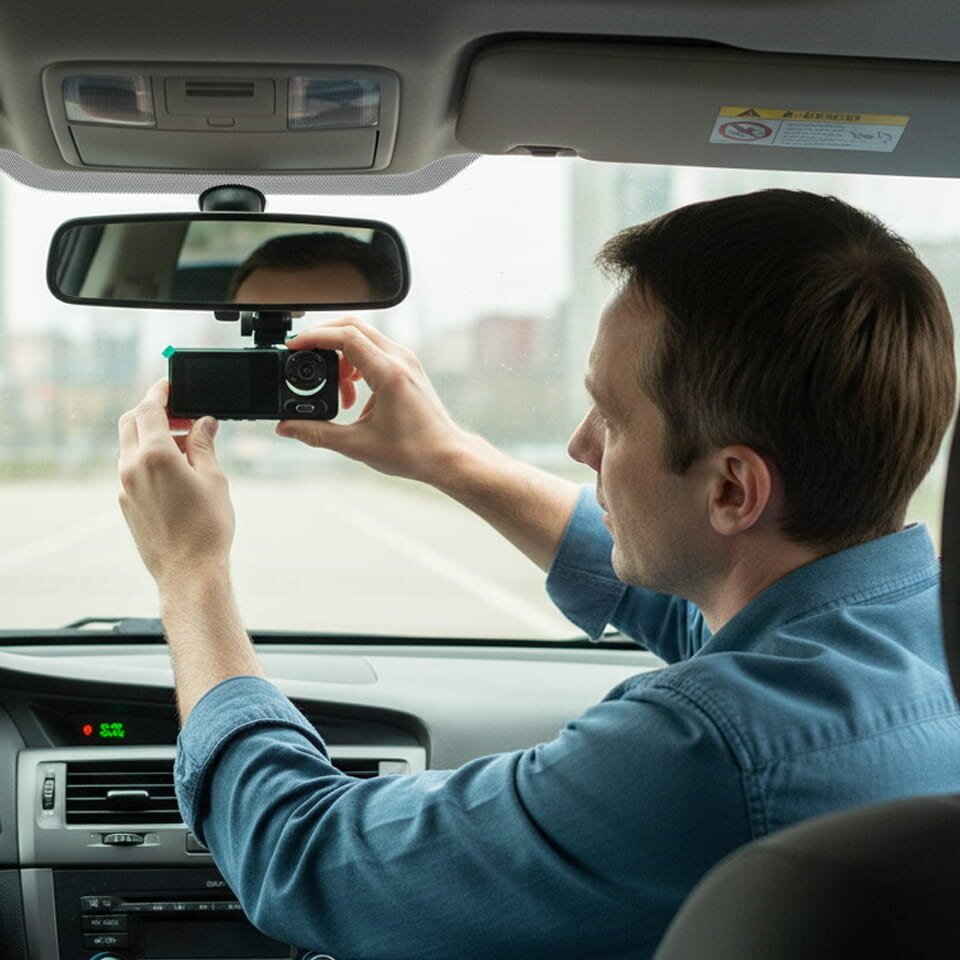
- Mount it. Clean the inside of the windshield, then attach the suction mount behind or beside the rearview mirror where it won't block your view. Some states restrict what can be mounted on a windshield, so check yours.
- Power it. Plug the cable into the camera and your car's power socket. Tuck the cable along the headliner and pillar trim so it doesn't dangle.
- Adjust and record. Use the LCD menu to set the date and time (it matters for evidence), angle the lens, and confirm loop recording and the G-sensor are on.
One habit we recommend with any dash cam: after an incident, lock or copy the clip before you drive off. Don't rely on memory-card luck.
Check RoadVision's current price and packages
Prices and discounts change, and the deal shown depends on the package size. See today's offer on the official checkout.
See Today's Price →Or view the full product page first
Before you order: the fine print
The product is straightforward. The buying experience is where you should slow down a little. Here's our checklist:
- Returns: the sales page advertises a 30-day money-back guarantee. Open the Returns & Refunds page before ordering and check whether a return authorization is required and who pays return shipping.
- Shipping: shipping was calculated at checkout when we looked, not free by default. Check the total before you pay.
- The discount: the "up to" percentage depends on which package you pick. Compare the per-unit price across packages, not the banner.
- The countdown timer: checkout pages like this one often show a reservation timer. Take the time you need to read the order summary.
- Extended warranty: it's offered as an add-on at checkout. It's optional; decide based on how long you plan to keep the camera.
- Memory card: confirm what's included and what card size and type the camera supports.
The honest bottom line
RoadVision isn't a revolutionary camera, and it doesn't need to be. It covers the features that actually decide whether a dash cam helps you after a collision: a wide lens, a G-sensor that locks the impact clip, and a screen to review footage on the spot. Setup takes minutes.
Where we'd be careful is the marketing around it. Treat the discount banner and the checkout timer as sales tactics, not reasons to hurry. Confirm how parking mode gets power in your car, read the return conditions, and compare package prices.
If you want simple, plug-and-go evidence of what happens on the road, and you're comfortable buying direct from the brand, RoadVision is a reasonable choice. If you need front-and-rear coverage or app-based features, look at a dual-channel camera instead.